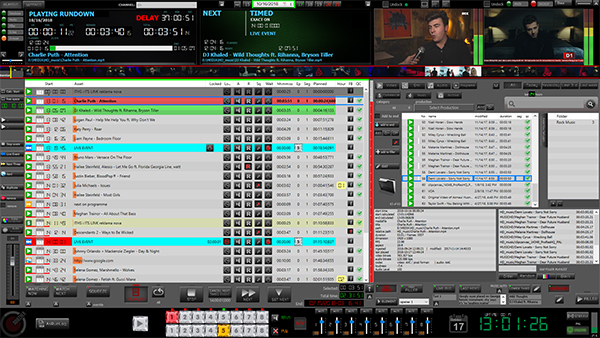
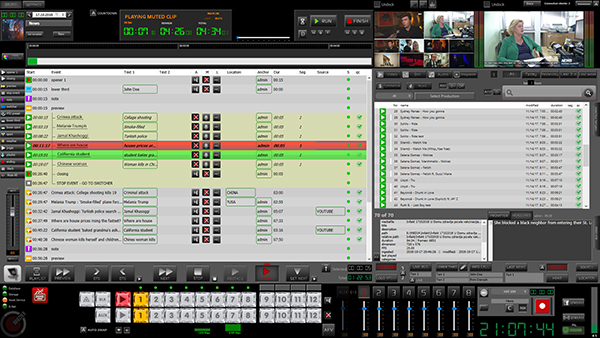
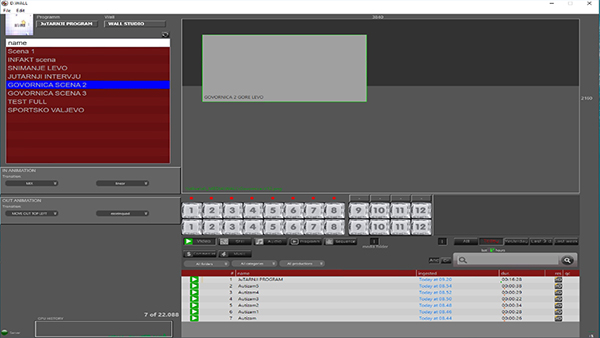
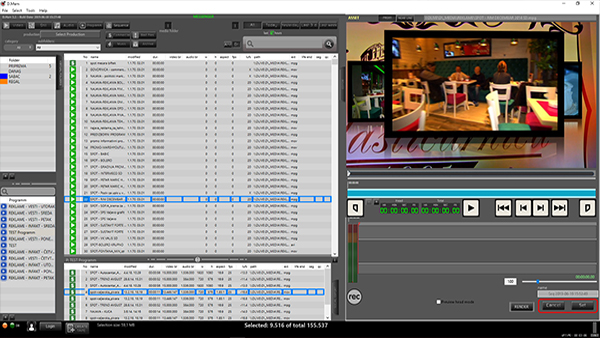
Asset rows in rundown list can be in different colors and that indicates asset status.
1. GRAY
Asset in rundown list without any predefined states.
2. RED
Asset that is currently in broadcast is marked as red rectangle.
3. GREEN
Asset that is set to broadcast next is marked with green rectangle.
4. LIGHT RED
When there is free space between two assets, for the duration of free space, fillers will be played.
5. CYAN
Live Event plays content from defined input from switcher.
6. WHITE
If asset line color is white, than something is wrong with asset and it can’t be broadcasted.
7. BLUE RECTANGLE
Asset is currently selected with mouse click.