+38670477603
Jurčičeva 6a, 2000 Maribor, Slovenia
office@dovecher.tv

CG

1. Live bug

Computer graphics which can be used to put live bug on the screen. Live bug can contain additional text or not.

2. Logo MAIN

Turn on/off “MAIN LOGO”.
If you have more than one element defined as Logo, than you can change it by pressing right mouse button at “MAIN LOGO” to open the list and choose which one you want to use.

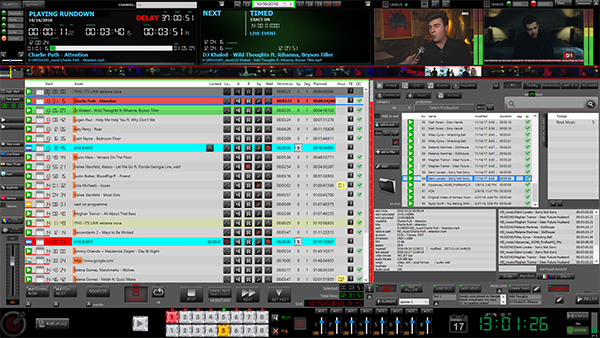
 

3. Logo FILLER

Turn on/off “FILLER LOGO”.

4. Watching now

Turn on/off “WATCHING NOW” CG element.

5. Watch next

Turn on/off “WATCH NEXT” CG element.

6. Squeeze

Turn on/off “SQUEEZE” animation.

7. Last news

Turn on/off “Last News” CG element.

8. Lower Thirds

Turn on/off “Lower Thirds” CG element.

9. Headlines

Turn on/off “Headlines” CG element.

10. Custom CG

Turn on/off “Custom CG”.

11. Category logo

Turn off/on “Category Logo”.

12. Rating  logo

Turn off/on “Rating Logo” CG element.

13. Program logo

Turn off/on “Program Logo” CG element.