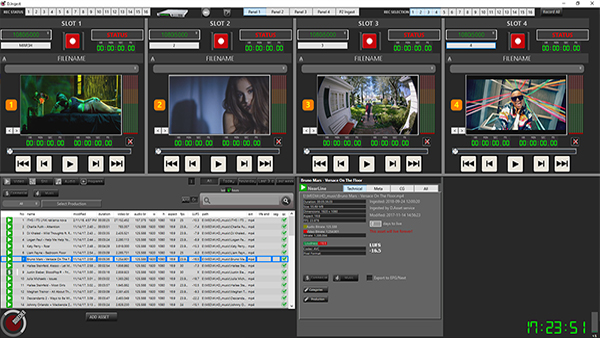
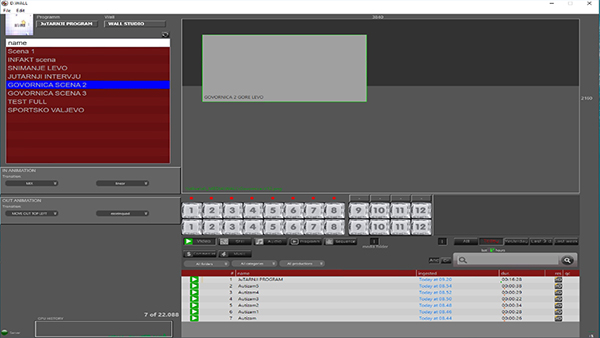
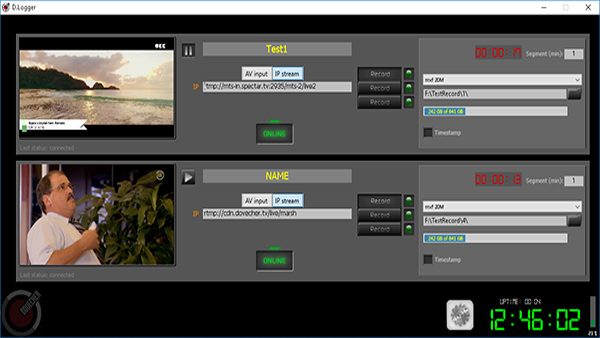
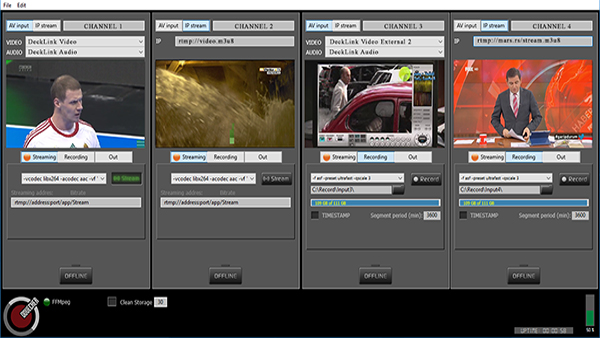
1. Input display 2. Information about the current status of the input 3. Button to start and pause the display
NOTE: When the play button is clicked, it will not start recording the program, it will only start showing what enters the input in order to check if that is what we want to record.