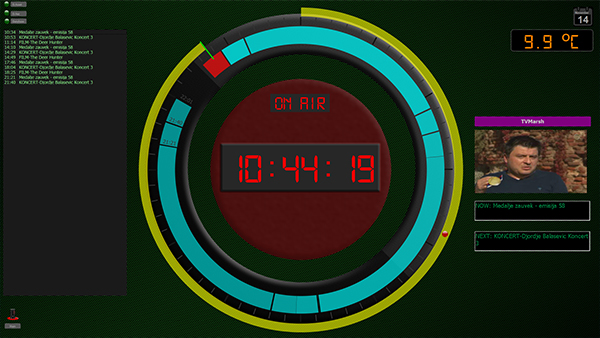
1. Graphical representation of asset duration
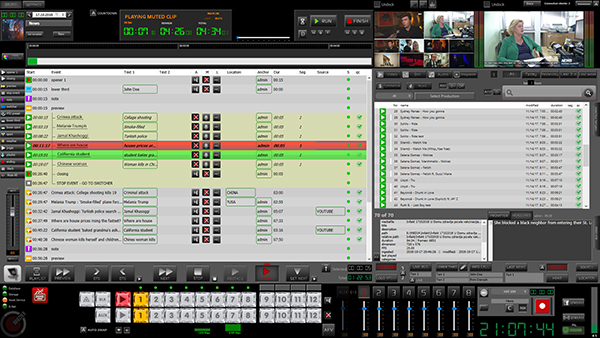
The size of timeline can be changed with slider which can be found above the left upper corner of visual rundown playback timeline.
Click on slider and with left mouse button pressed, move slider left to Increase the size of timeline or move right to decrease the size of timeline.
2. Name of asset
Name of asset. It can be changed by double click. File name on disk will stay unchanged but graphical element in D.VR will use a new defined name.